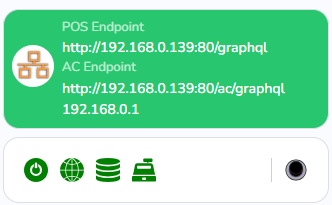
Login in the Checkbox Tools
If you don't have an account it is important to complete following steps.
- Create an account
- Validate your email address
- Complete your Organization after logging in
Search the Checkbox Unit in your units
Checkboxes -> Units
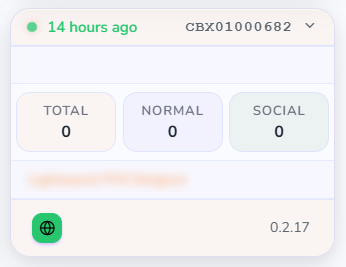
If the checkbox is not in your list with units. You can transfer it in 2 ways.
You can ask the seller to create the transfer.
You can manually transfer it to your organization by scanning the QR code on the side of the Checkbox.
Changing the Wifi credentials
Click on the settings icon (cog)

There you can find and change the Wifi Credentials
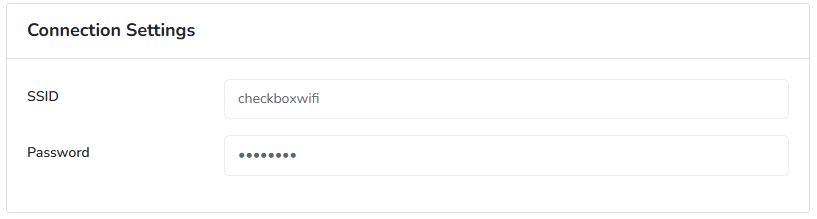
Make sure you submit your settings to the Checkbox.
Unplug the Ethernet cable, or disable the WiFi hotspot
The Checkbox should now become online again on the WiFi.